Crazy Frog AI Video
Upload a photo or describe each part of the scene. We’ll turn your choices into one Crazy Frog chase video.
See how the four-part chase is madeYour chase comes to life here
Ready when you are
Choose your rider, chaser and background on the left, then make your video.
One chase. Four connected scenes.
Your photos or descriptions define the cast and setting. We generate the chase in four parts, using a reference clip to guide the action and camera movement in each scene.
Opening frames from our generated example · Approximate timings in the finished video
- Scene 10.0–5.2s
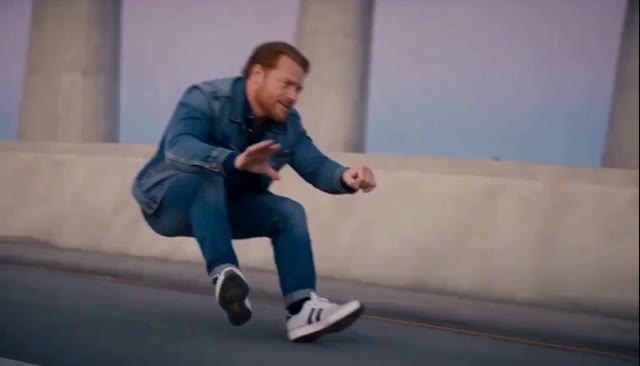
The chase begins
Your rider glides into the chase on the invisible moped.
- Scene 25.2–7.2s
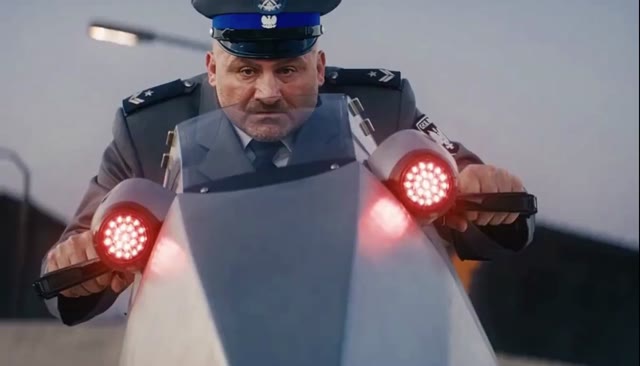
Meet the chaser
A close-up gives the pursuing character a moment of their own.
- Scene 37.2–11.0s
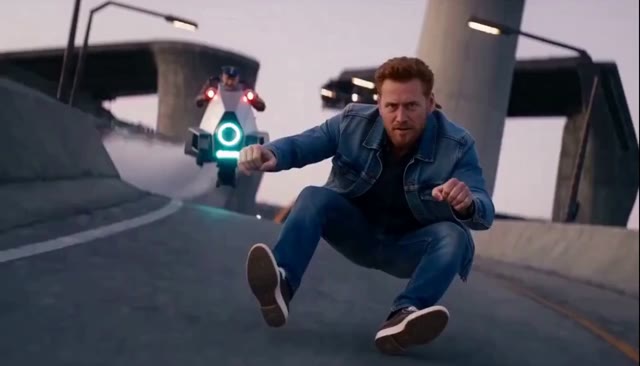
The flip & recovery
Back to the rider for the look-back, airborne flip and landing.
- Scene 411.0–14.6s
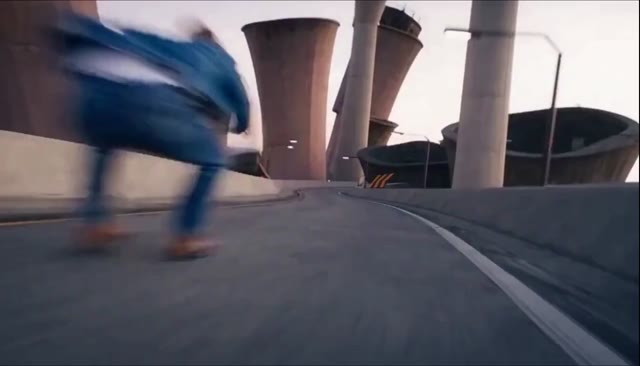
The getaway
The chase carries on as the rider and chaser speed away.
Then it becomes one video. We align the pacing, join the four clips and add the continuous original soundtrack. The finished chase is saved in My Videos, ready to watch and download.
Compare with the original